
A wholesale application your buyers enjoy filling in
Not just a form. Wholesale registration built on your store's Shopify customer login: buyers sign in or create their account, apply in your store's look one question at a time, and once you approve, they sign in with that same login and see their wholesale prices.
- Connected to your Shopify login
- 7 ready-made templates
- 19 kinds of question
- A brief on every applicant
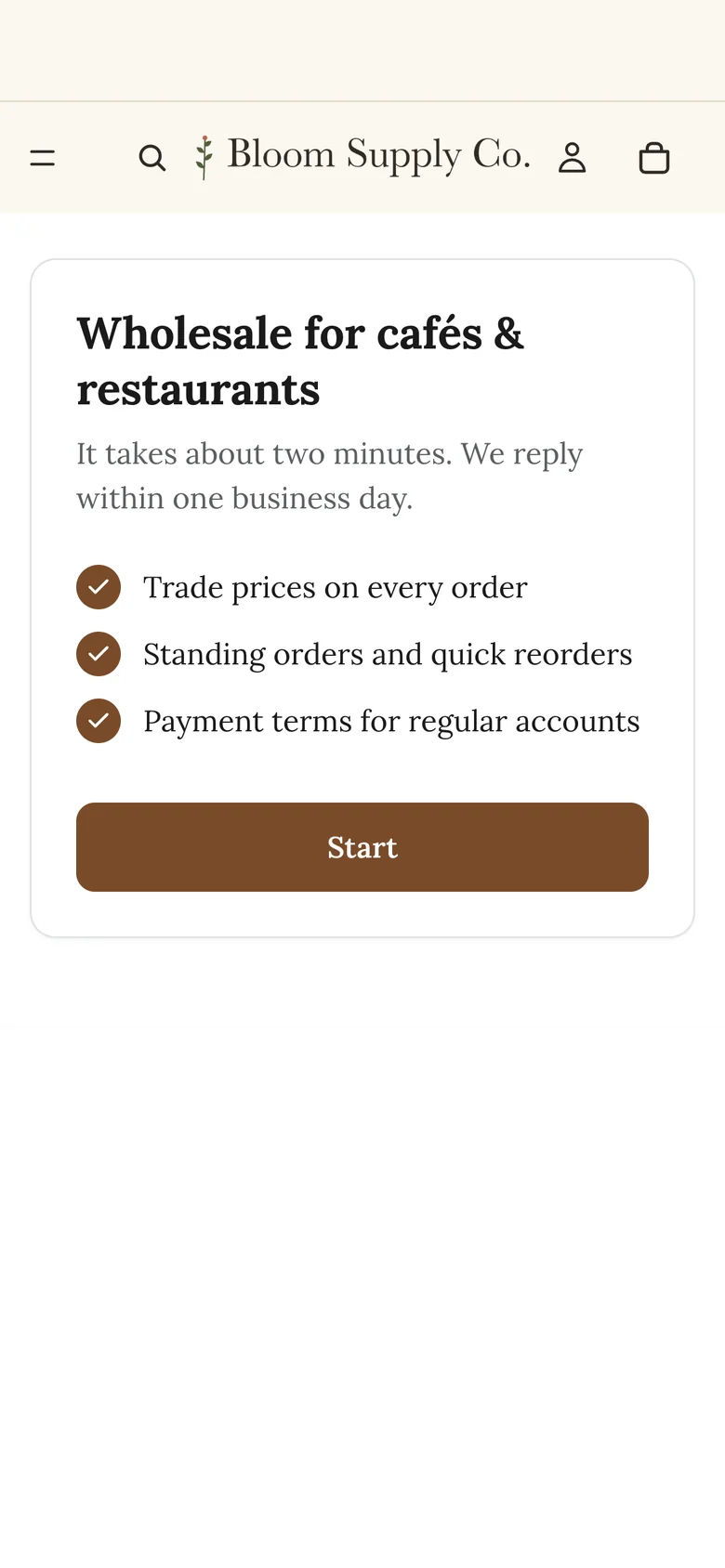
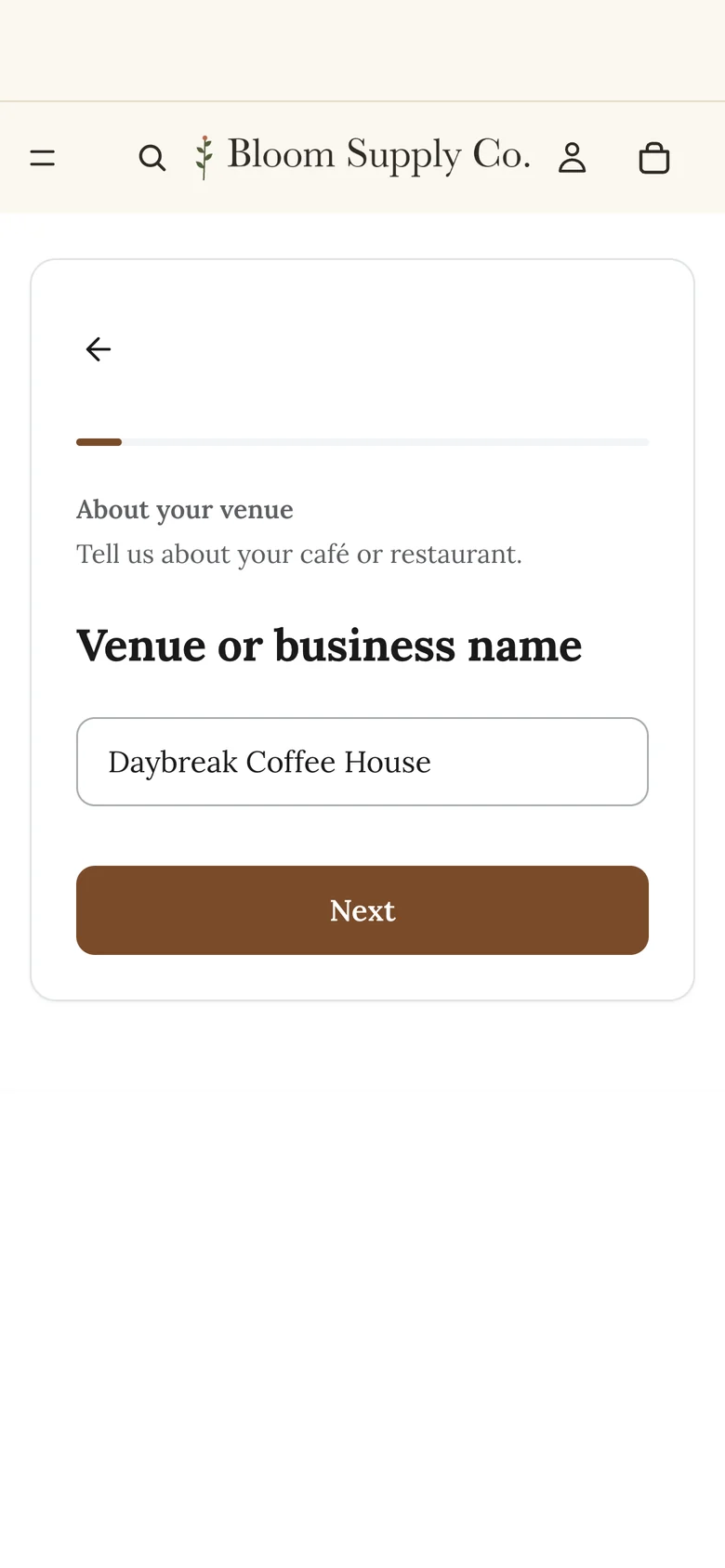
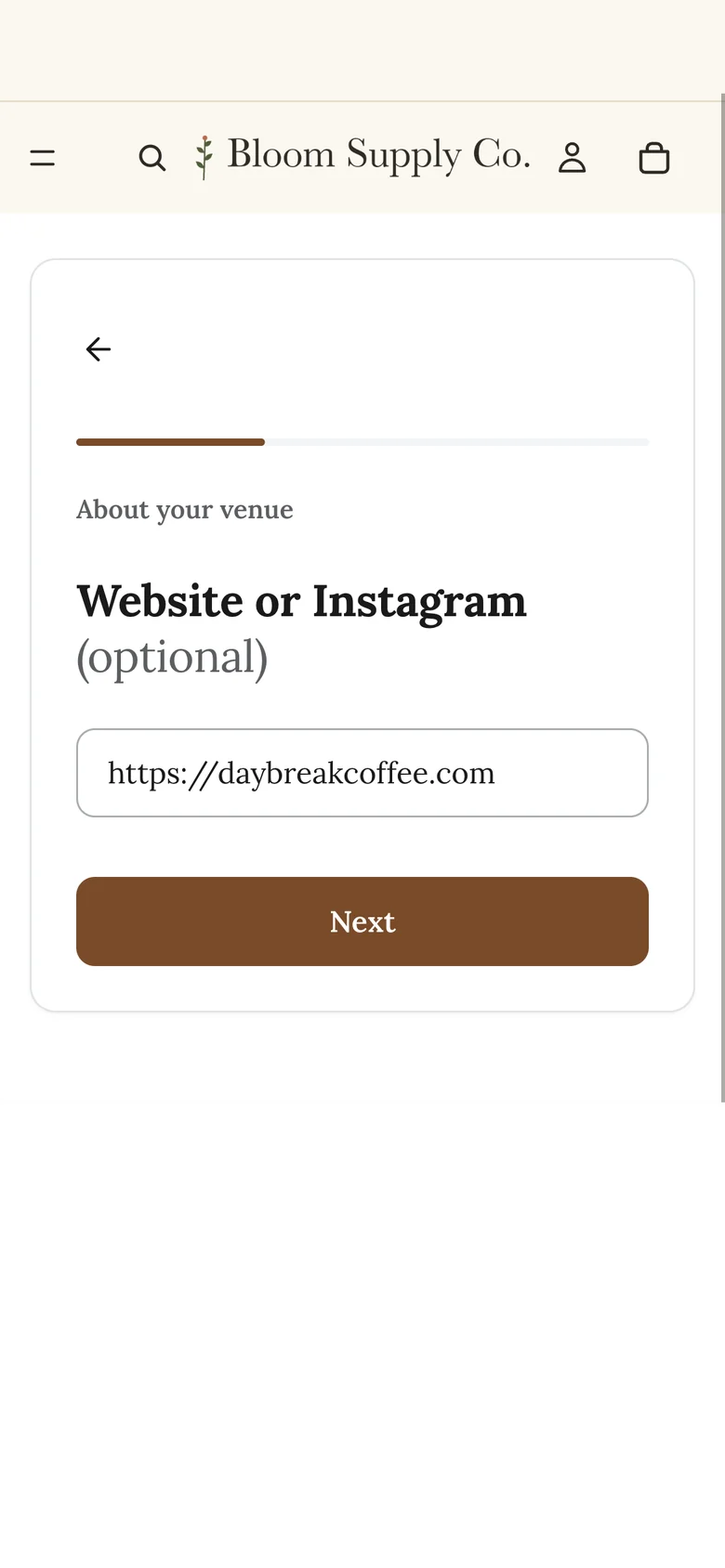
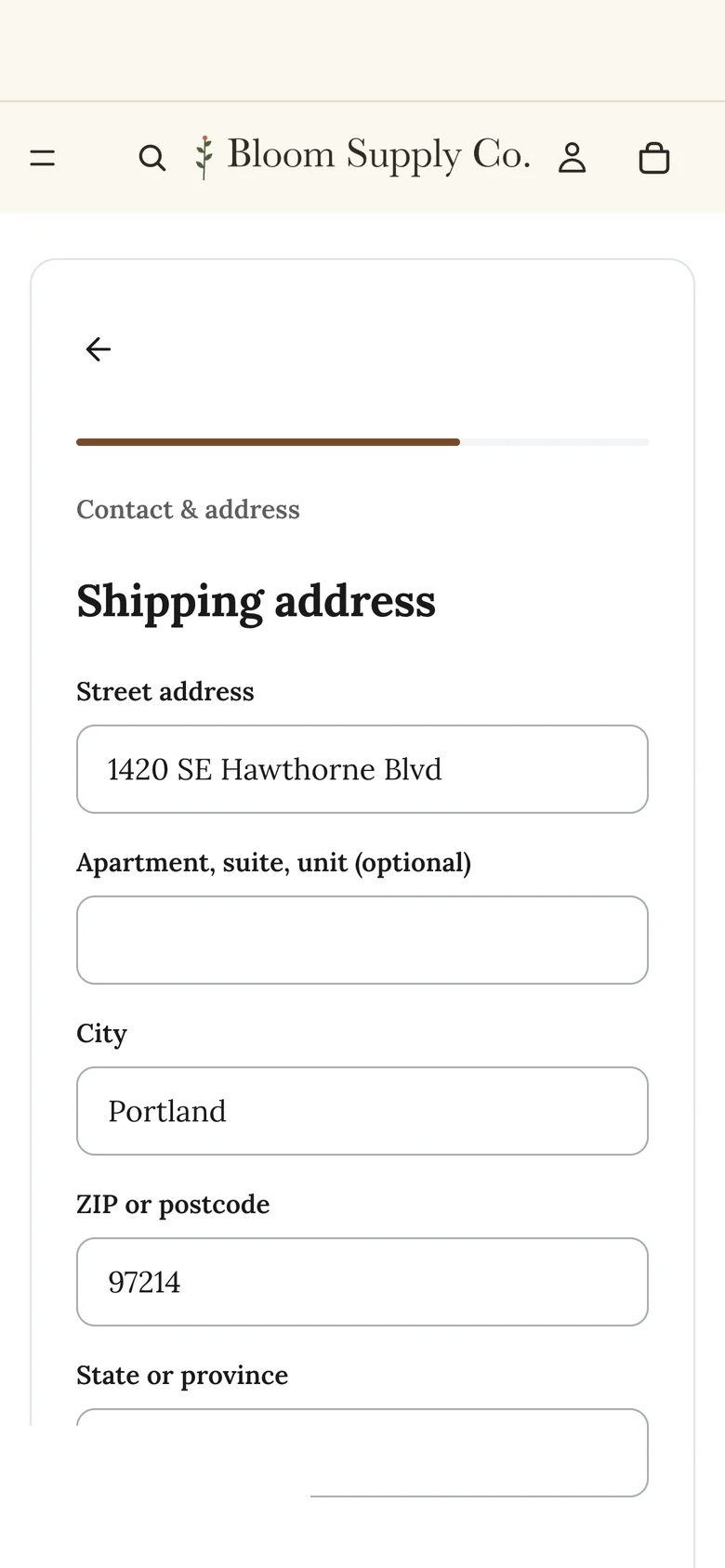
Shopify gives you a form. This gives you an onboarding.
Shopify's wholesale request form collects a company's details on one page. Here's what changes when the form is made for your buyers.
Shopify's form as it works today with Shopify Forms. Already using it? Its applicants can come in here too.
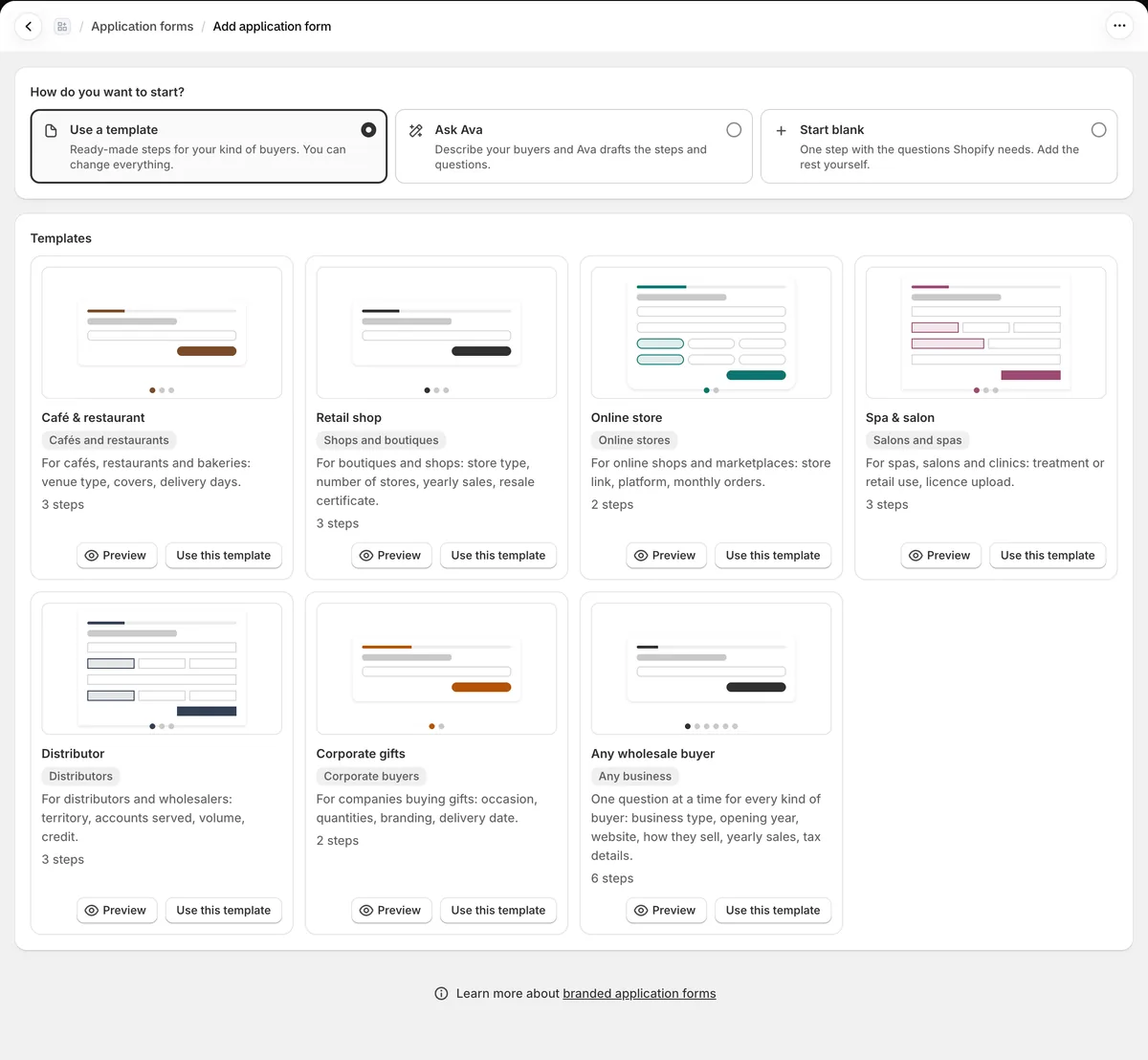
Seven forms, each made for a kind of buyer
Pick the one closest to your buyers. Every question, step, colour and word can be changed. Or describe your buyers in a sentence and your AI agent drafts a form for you.
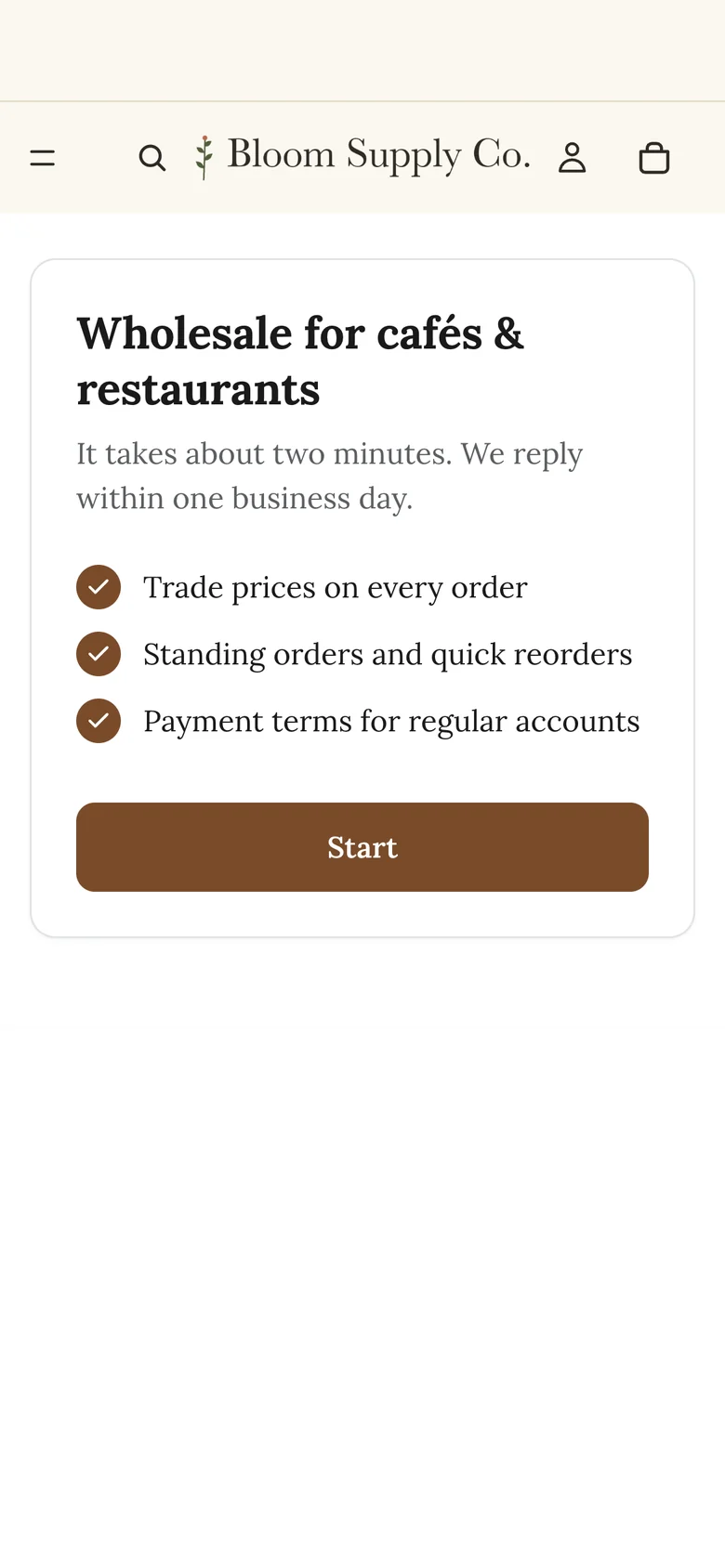
Café & restaurant
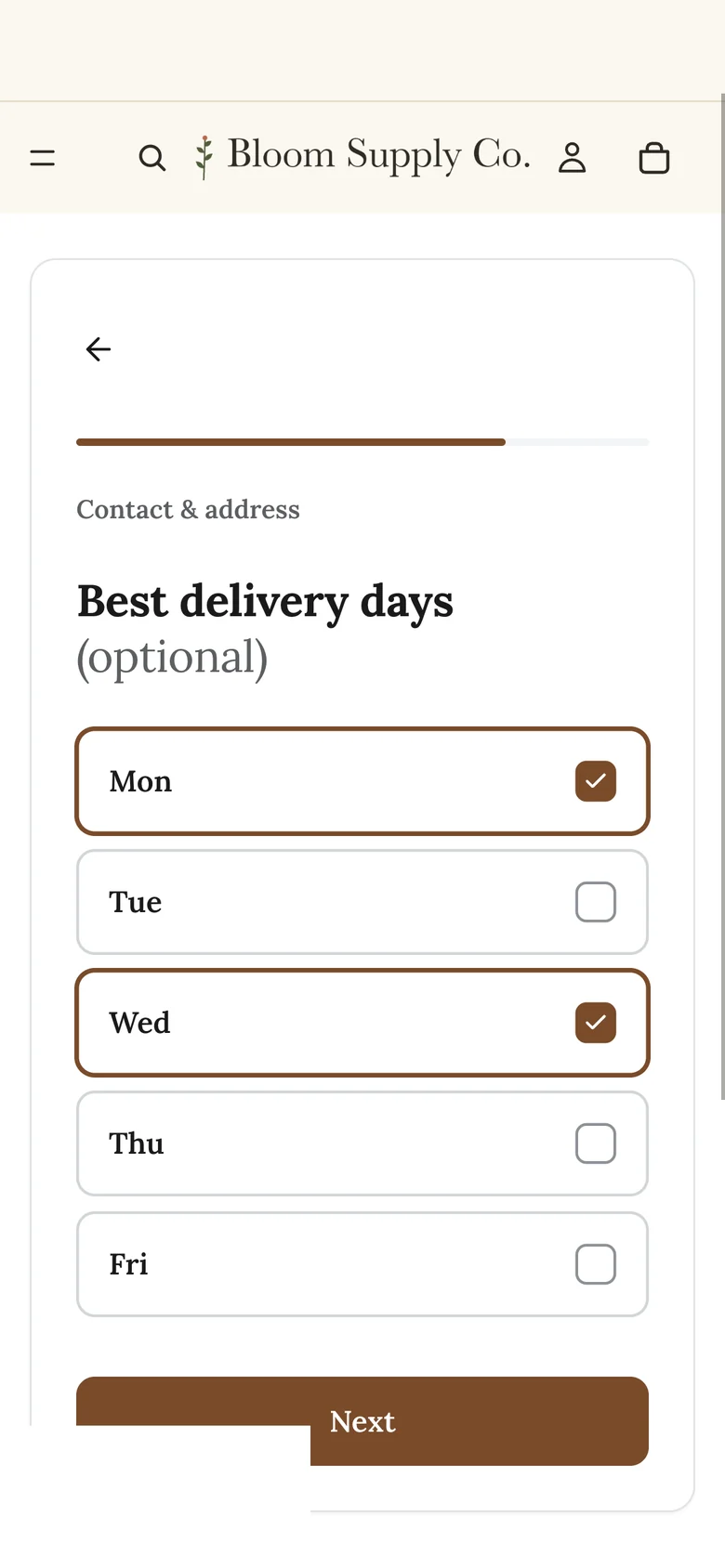
Asks: Venue type, covers a day, best delivery days.

Retail shop
Asks: Store type, number of stores, yearly sales, resale certificate.
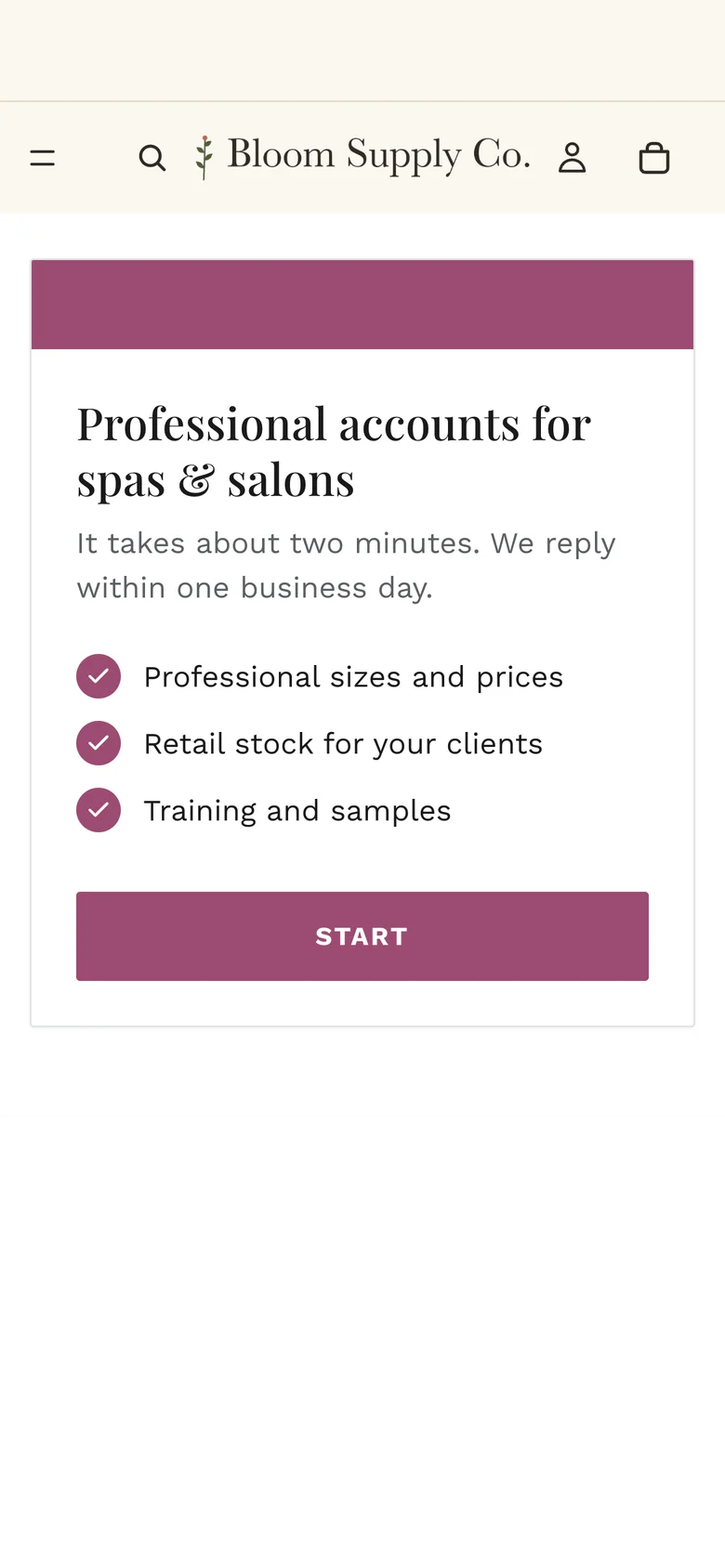
Spa & salon
Asks: Treatment or retail use, licence upload.
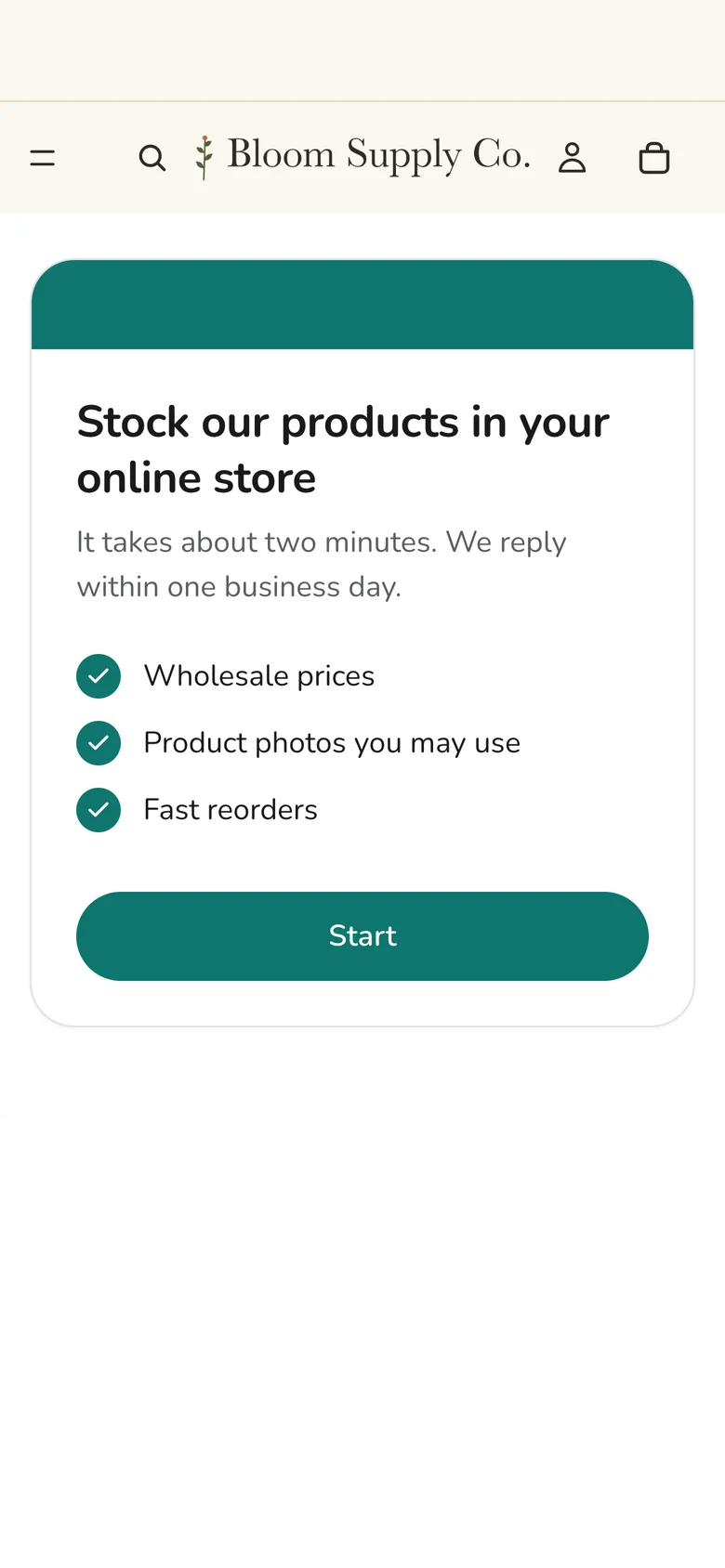
Online store
Asks: Store link, platform, monthly orders.
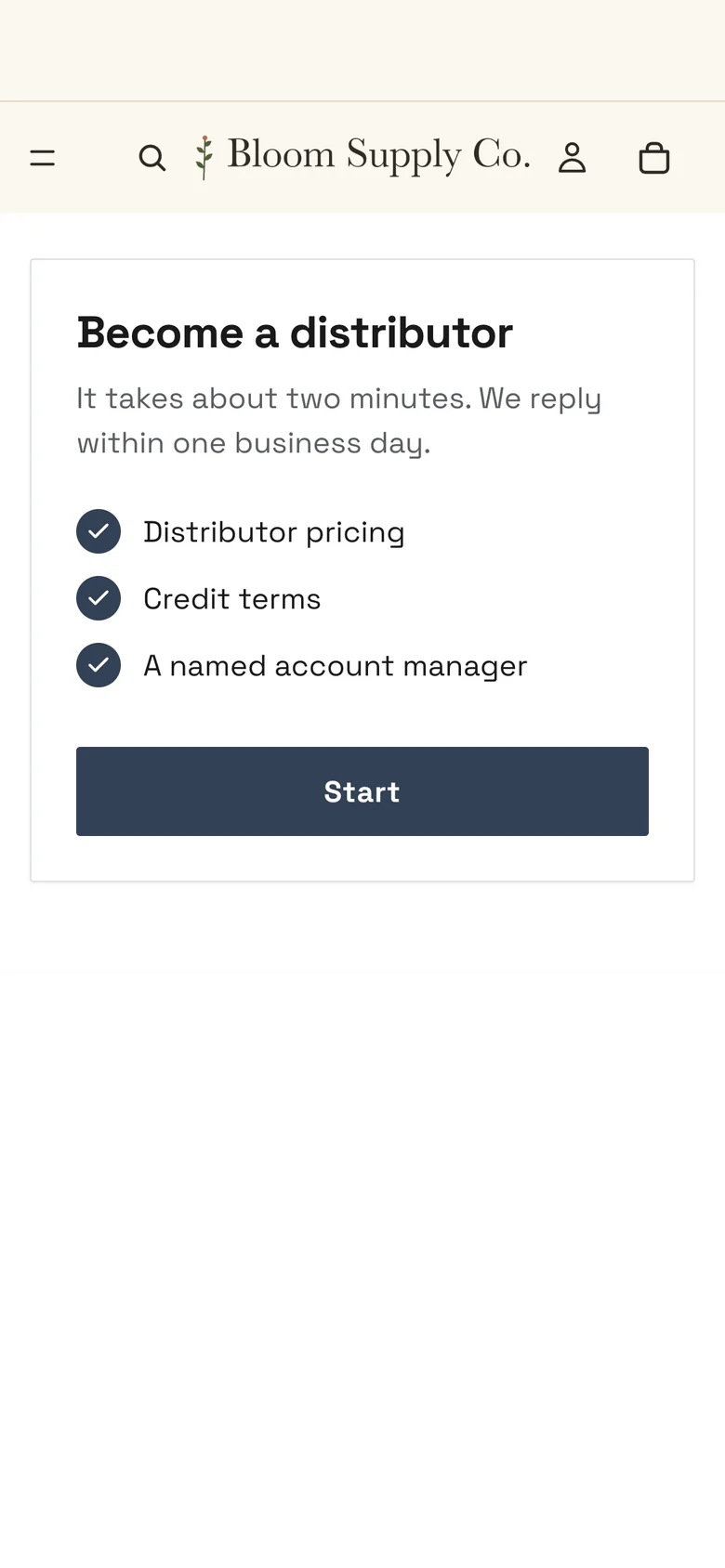
Distributor
Asks: Territory, accounts served, volume, credit.
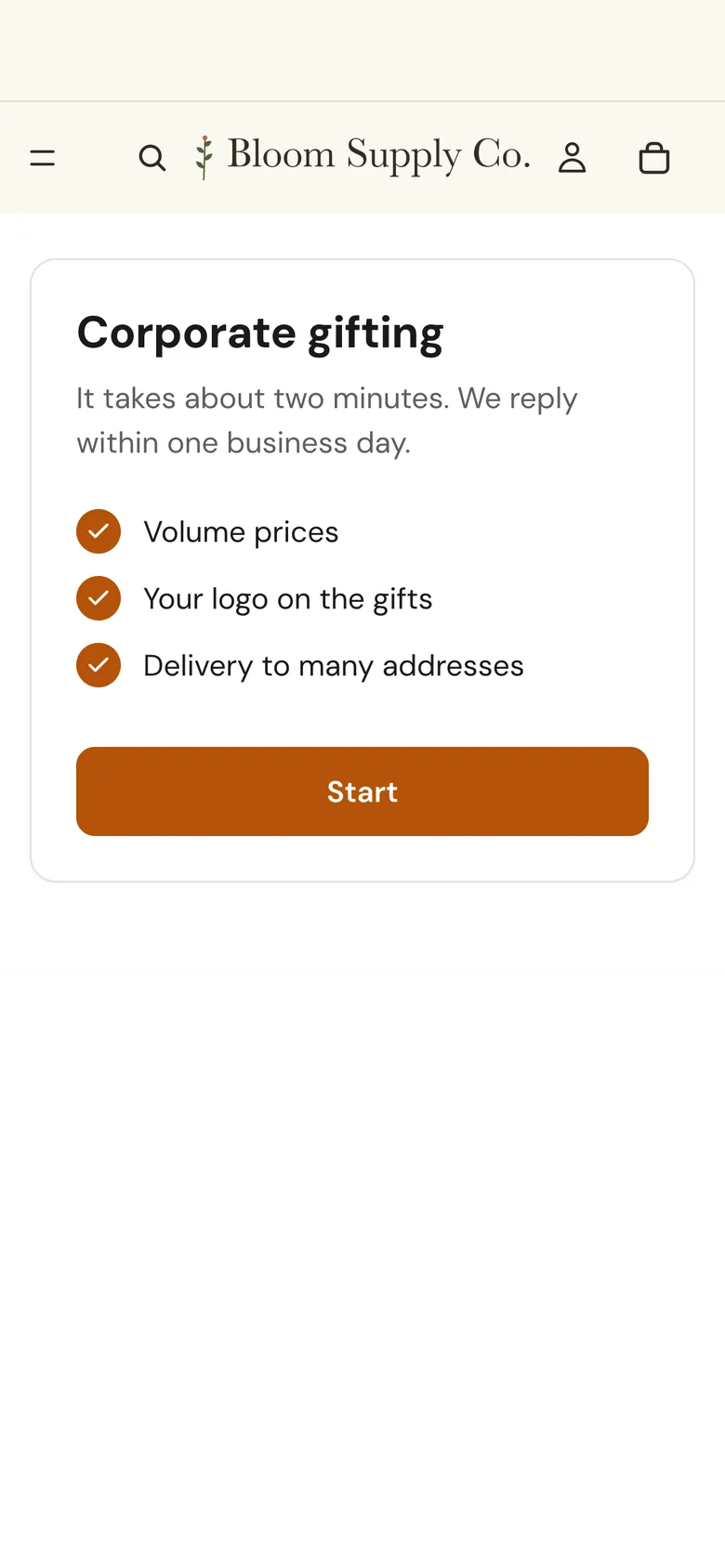
Corporate gifts
Asks: Occasion, quantities, branding, delivery date.

Any wholesale buyer
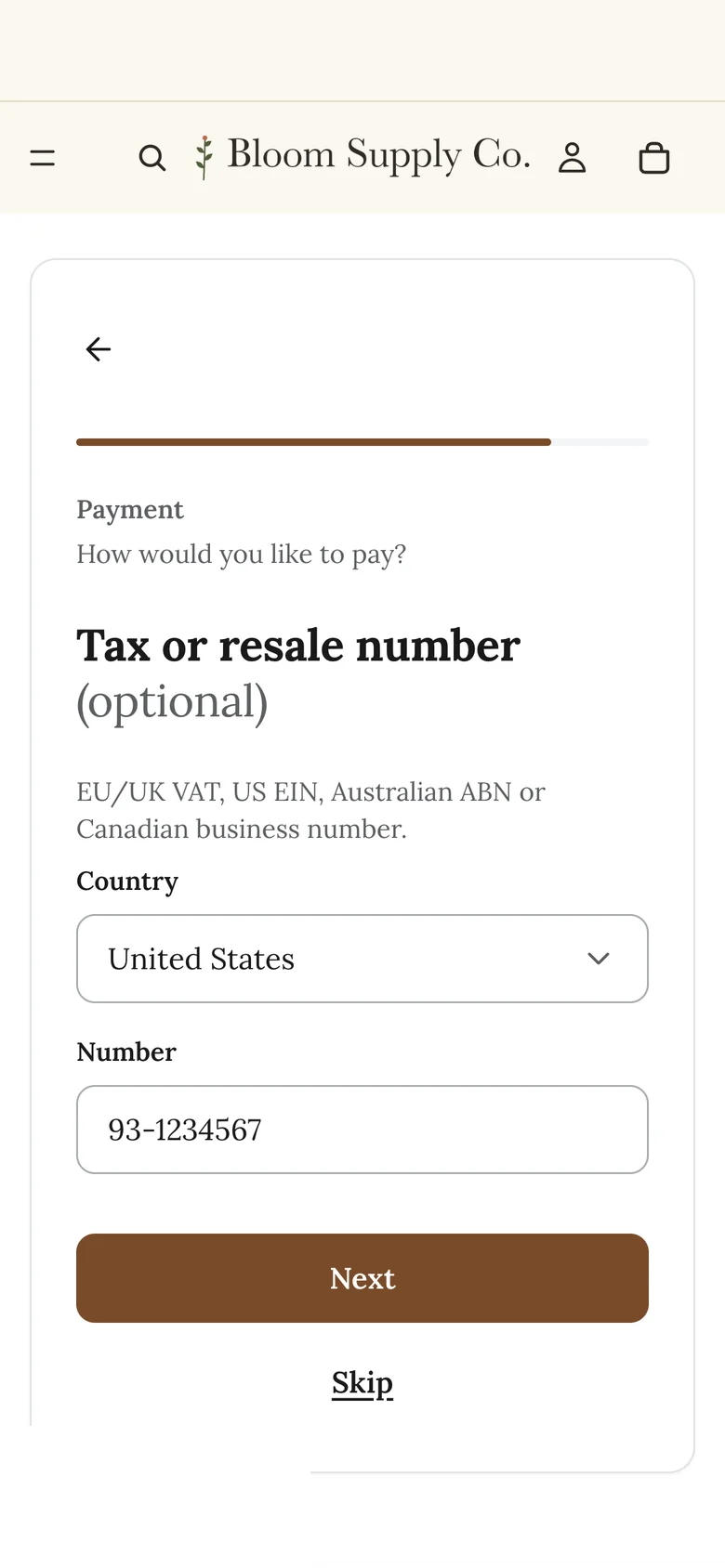
Asks: Business type, opening year, website, how they sell, yearly sales, tax details.
Or describe your buyers
“Independent garden centres and florists, mostly in the US, some need a resale certificate.” Your AI agent drafts the steps and questions. You check and change them before anything goes live.
Or start blank with just the questions Shopify needs.
From a blank page to approved buyers
Pick a template or describe your buyers
Choose a template, ask your AI agent to draft one, or start blank. The builder shows each step on the left, its questions in the middle and a live preview on phone or desktop.
Make it yours
Your logo, colours and font, or one click to match your store. Choose a layout: one question per screen, a card per step, a picture beside the form, or minimal. Add a welcome screen with what buyers get.
Put it on your store
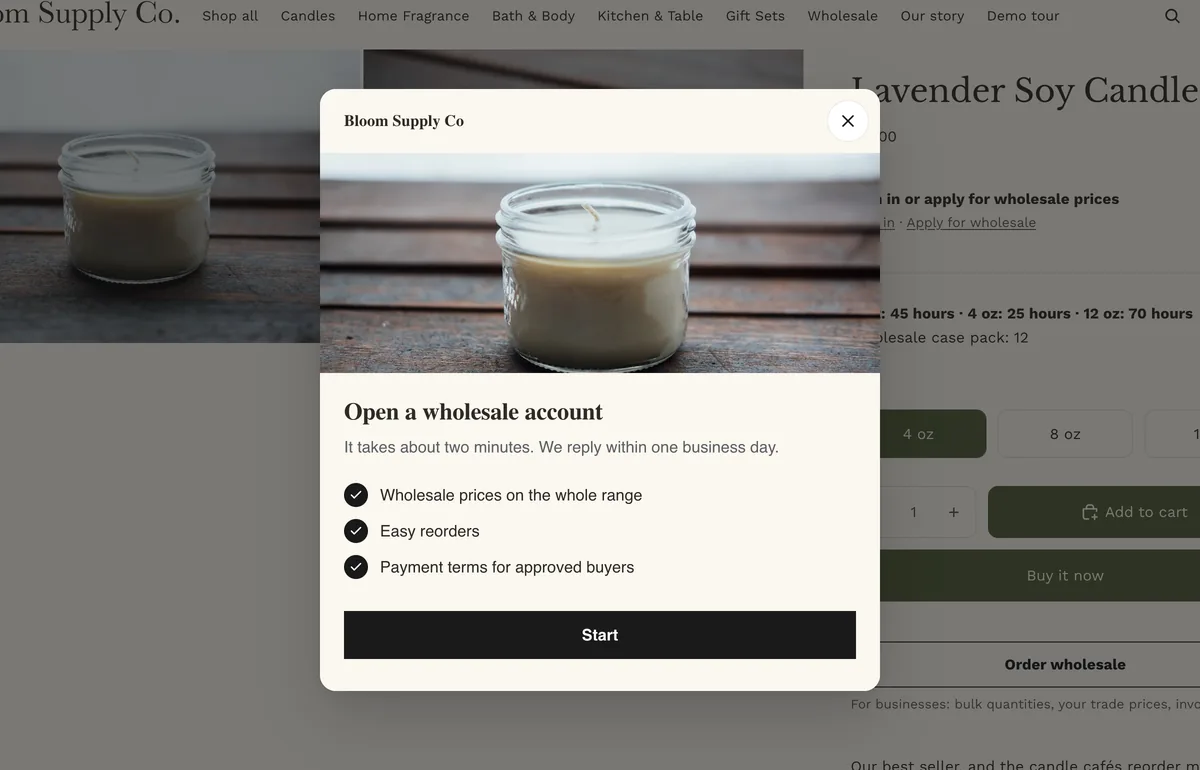
It gets its own page on your store's address. It can also open as a pop-up over any page, from your apply buttons, after a few seconds or when someone's leaving, and as an "Unlock wholesale price" link where guests can't see prices. Personal invite links come with their details filled in.
Decide who gets in
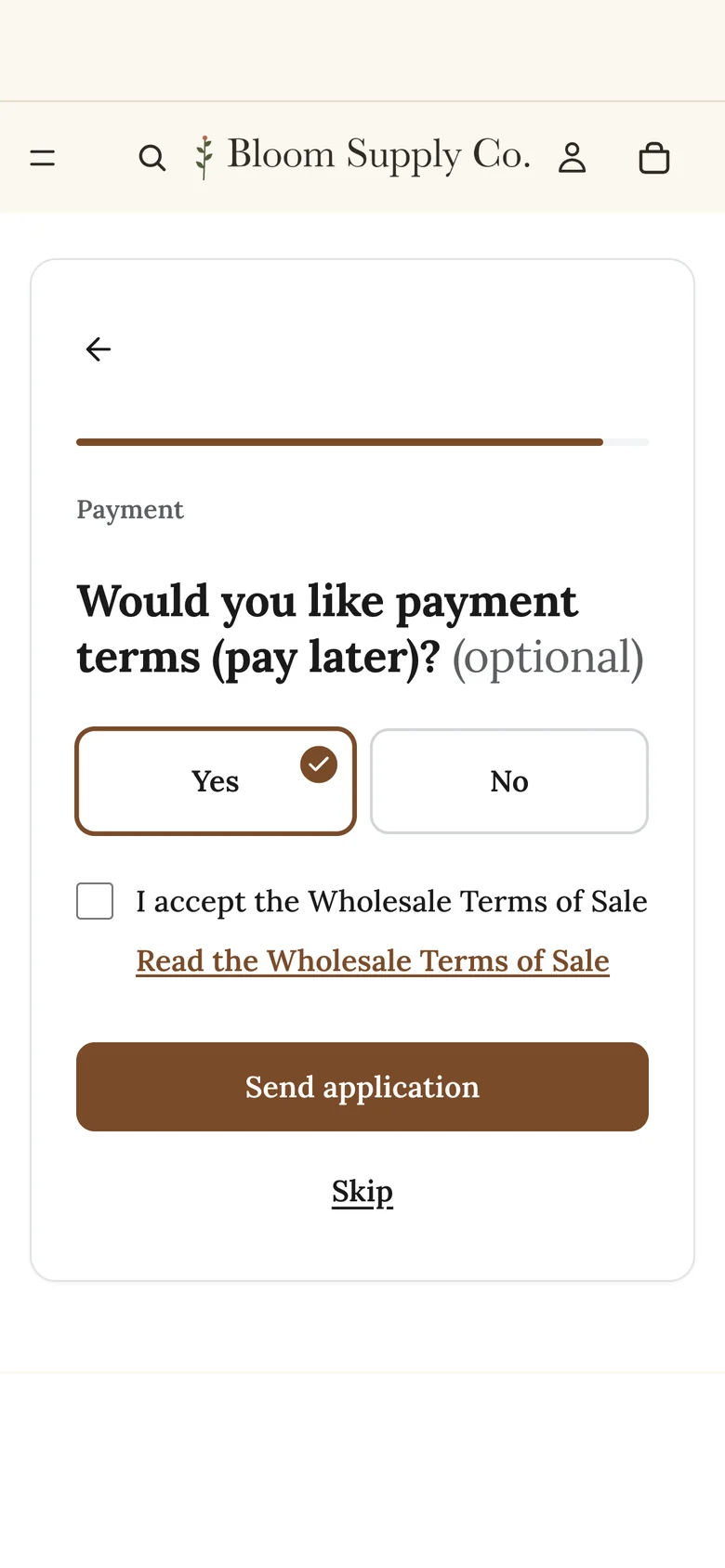
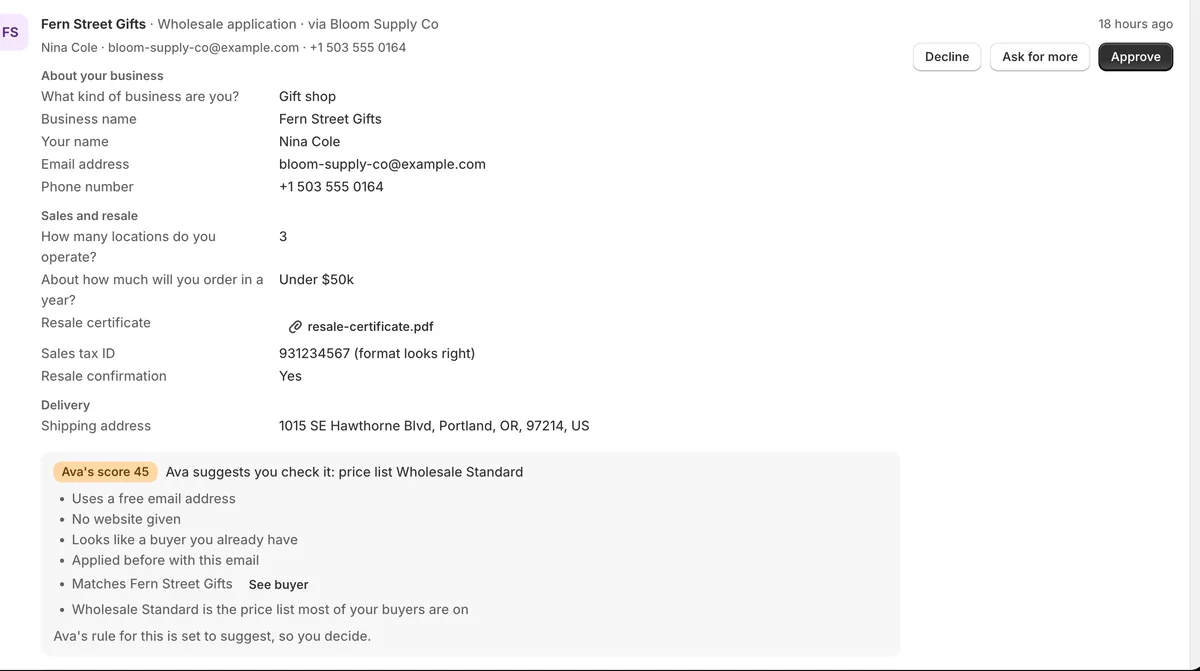
Each application arrives with a short brief: does the website match, is the email on their domain, is the tax ID valid, is the address complete, and the price list, terms and credit to give them. Approve and the buyer is set up in Shopify and welcomed by email.
The details that make people finish
Built on your store's Shopify login
Applying, signing in and buying all use your store's own Shopify customer accounts. No separate wholesale login or portal password.
19 kinds of question
Picture cards, choices, ranges, yes or no, address, phone, website, dates, numbers with units, tax ID, file upload, an agree box and text blocks.
Questions that follow the answers
Ask for a licence only from spas, or a resale certificate only from shops, or a VAT number only from EU businesses. Hidden questions are never required.
Tax IDs checked as they type
EU VAT numbers verified live with the EU's VIES service, with the registered name compared to what they typed. UK VAT, Australian ABN, India GSTIN, US EIN and Canadian BN are format-checked.
Documents with the application
Resale certificates, licences or a bank letter: PDF or a photo, kept with the buyer.
Your brand, not ours
Logo, colours, eight fonts, four layouts and corner styles, or one click to match your store. No app logo.
Fits any theme
Added as a theme app block and embed. Nothing is written into your theme's code, and your theme's styles can't break the form.
Sign-in your way
Form first and sign in at the end, sign in first with their details filled in, or ask signed-in customers to finish.
They can finish later
Answers are saved as they go. A link brings them back to the step they left.
A waitlist where you don't sell
Applicants from countries you don't serve join a waitlist instead of a dead end.
Drafts, versions and a test link
Edit a draft while the live form keeps working, preview on phone and desktop, restore an older version, test without touching Shopify.
A first-order offer
A one-use discount for that new buyer only, added to their welcome email.
Emails from your store
Application received, approved with a sign-in link, a question, or a polite no. Your team gets an alert for each new one.
Suggestions from their answers
"Yearly sales over $2M: Distributor price list." Each approval starts with the right price list, terms and credit.
See where people stop
Visited, started, sent, approved, signed in and first order, with the step that loses the most people.
A nudge to finish
Send a reminder to people who stopped halfway, or let your AI agent send it within your rules.
Ask a café what a café needs. Ask a spa for its licence.
Candles and home goods
Shops get a resale certificate question, cafés get delivery days, corporate buyers get gift quantities and a delivery date.
Beauty and wellness
Spas and salons upload their licence and say whether they use products in treatments or sell them on.
Food and drink
Cafés and restaurants tell you their venue type, covers and best delivery days before the first order.
Fashion and accessories
Boutiques share store type, number of stores and yearly sales, so you can set the right price list.
Distribution
Distributors give their territory, accounts served and volume, and ask for credit in the same form.
Online sellers
Online shops give their store link, platform and monthly orders, so you can see who they are.
Will it work with my theme?+
Can I have different forms for different buyers?+
Is it connected to Shopify login?+
Do buyers need an account first?+
What happens when I approve someone?+
Can someone else decide for me?+
I already use Shopify Forms or another form app. Can I keep it?+
Are tax IDs verified?+
Send us your current application form. We'll show it to you rebuilt.
We're opening to our first wholesale brands soon. Join early access and founding members get 50% off any paid plan for 12 months, from their second bill.