
Sidekick is Shopify's assistant, built into your Shopify admin. Once the app is installed, Sidekick can answer questions about your wholesale business and open the right page in the app with everything filled in for you to check.
Who can do it: anyone on your team who can use Sidekick in your Shopify admin.
Before you start
Nothing to connect. Sidekick works by itself once it's on in your Shopify admin. Open it with the sparkle button at the top of the admin and ask in your own words.
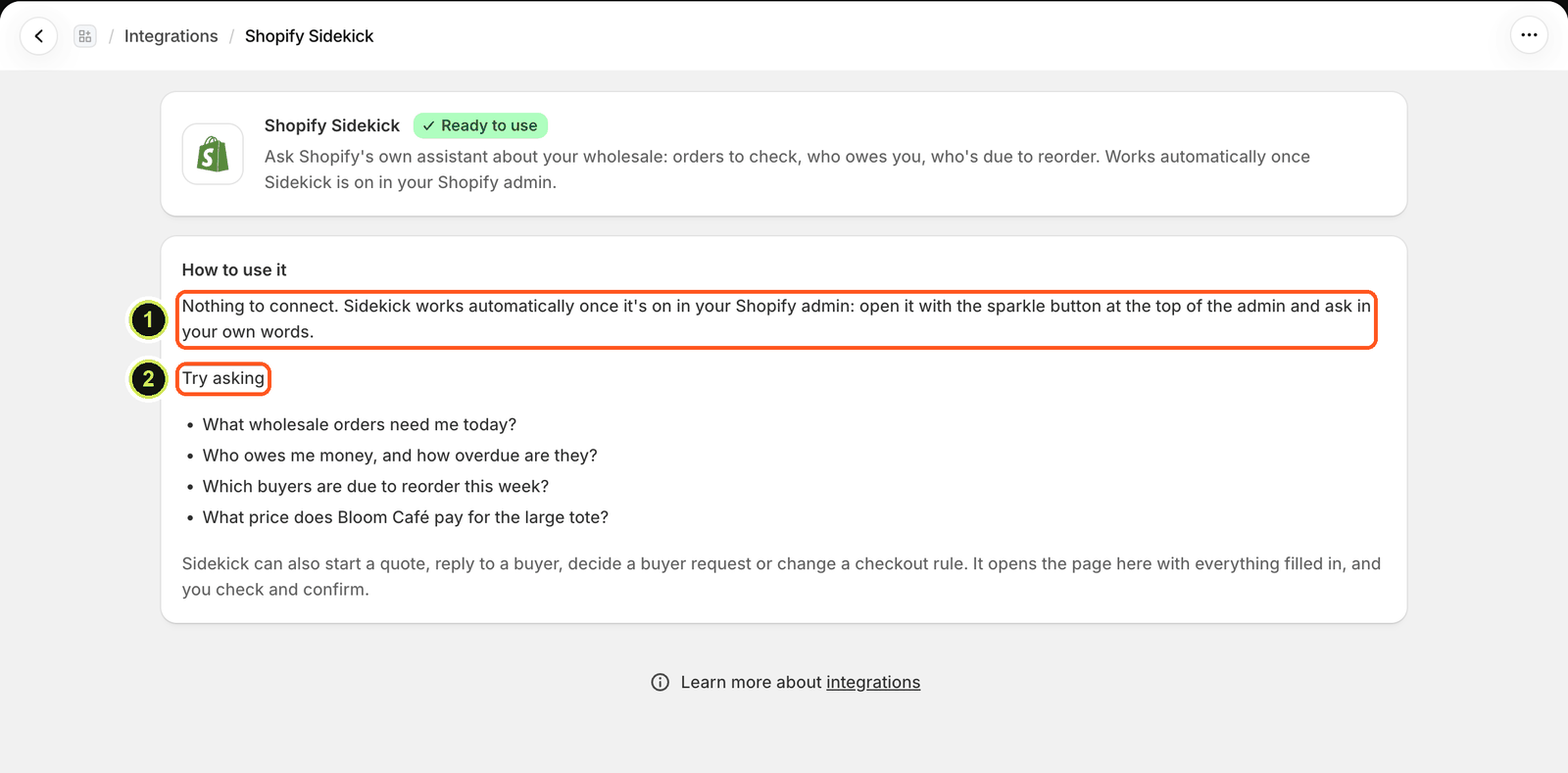 Integrations → Shopify Sidekick: nothing to connect, and what to try asking
What to ask
- "What wholesale orders need me today?"
- "Who owes me money, and how overdue are they?"
- "Which buyers are due to reorder this week?"
- "What price does Maple Street Café pay for the large tote?"
- "How did wholesale sales do this month compared with last month?"
- "Give me today's wholesale briefing."
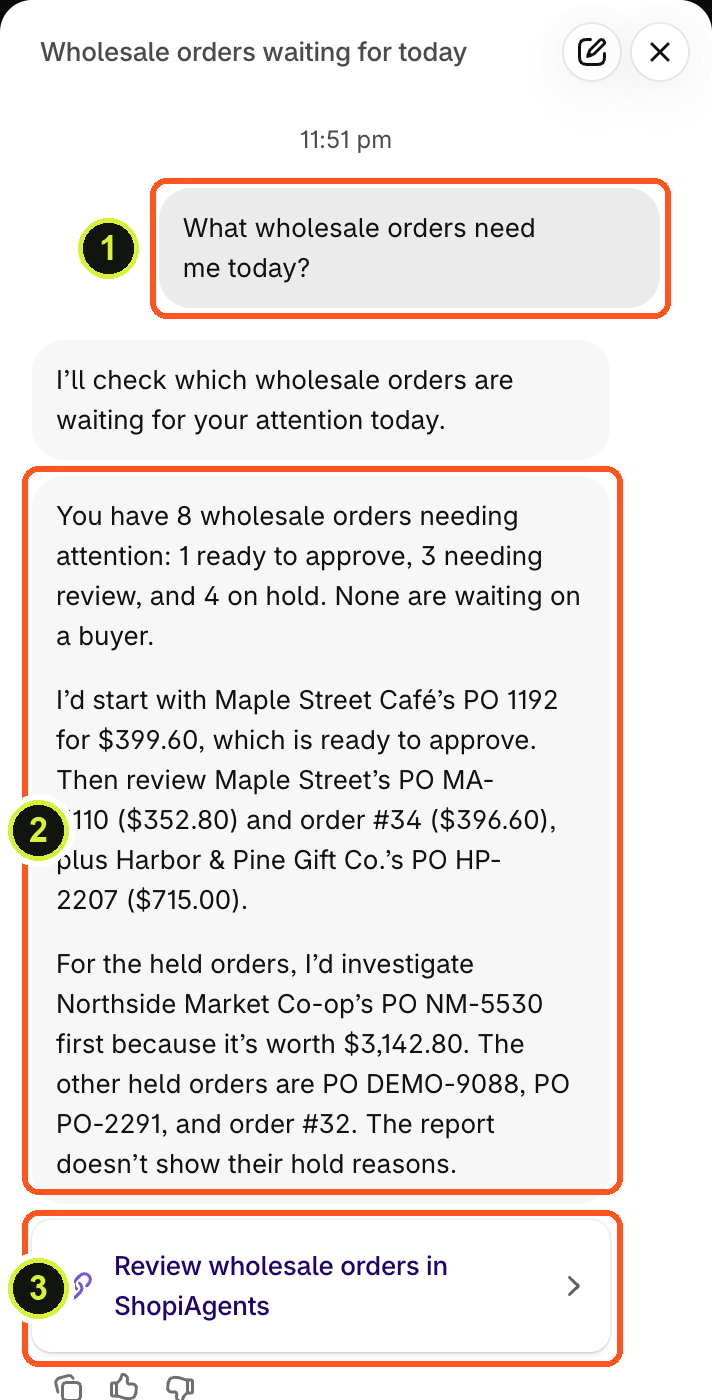 Sidekick answering "What wholesale orders need me today?"
What Sidekick can look up
- Your briefing: today's summary, the same as your agent's morning brief in the app.
- Orders that need you: ready to approve, to check, held for a new buyer, or waiting on a buyer.
- One buyer: their score, spend and orders, paid on time, next order expected, price list, terms and credit.
- Who owes what: unpaid invoices by buyer and by age.
- Requests waiting: applications, payment terms, credit increases, documents.
- Unread buyer messages.
- A buyer's price for one product at a quantity, and where it comes from.
- Reorders due now and in the next 7 days.
- Credit: one buyer's limit, used and available, or the buyers fullest first.
- Application forms: visitors, finish rate and applications in the last 30 days.
- Emails to buyers: which ones you send, and the wording of one.
- Wholesale sales: revenue, orders, average order, top buyers and products, compared with the period before.
- Setup: which parts of the app are set up and which aren't yet.
What Sidekick can open for you
Sidekick never changes anything by itself. It opens the page in the app with the details filled in, and you check and confirm:
- Start a wholesale quote for a buyer, with a note and how long it's valid. You add products, check prices and create it.
- Reply to a wholesale buyer: opens the conversation in Buyers → Messages with a reply filled in. Check it, then press Send.
- Decide a buyer request: opens an application, payment terms or credit request with approve, ask for more or decline ready and a message filled in.
- Change a wholesale checkout rule: opens the rule (order minimum, PO number required, credit limit, locked products, hidden payment methods) with the message or amount filled in. Check it, then press Save.
Good to know
- Sidekick reads; it never approves, sends or changes anything without you.
- Buyers never see Sidekick. Replies you send reach them from your store.
- Want to ask from Claude or ChatGPT instead? See Connect Claude or ChatGPT.
If something goes wrong
- Sidekick doesn't know about wholesale: check Sidekick is on in your Shopify admin and the app is installed. Mention "wholesale" in your question.
- Sidekick opened the page but nothing is filled in: fill it in yourself, or ask again with more detail, like the buyer's name.
Related
Still stuck? Email support@shopiagents.com and a person will help.